
How to redeem Grow a Garden codes
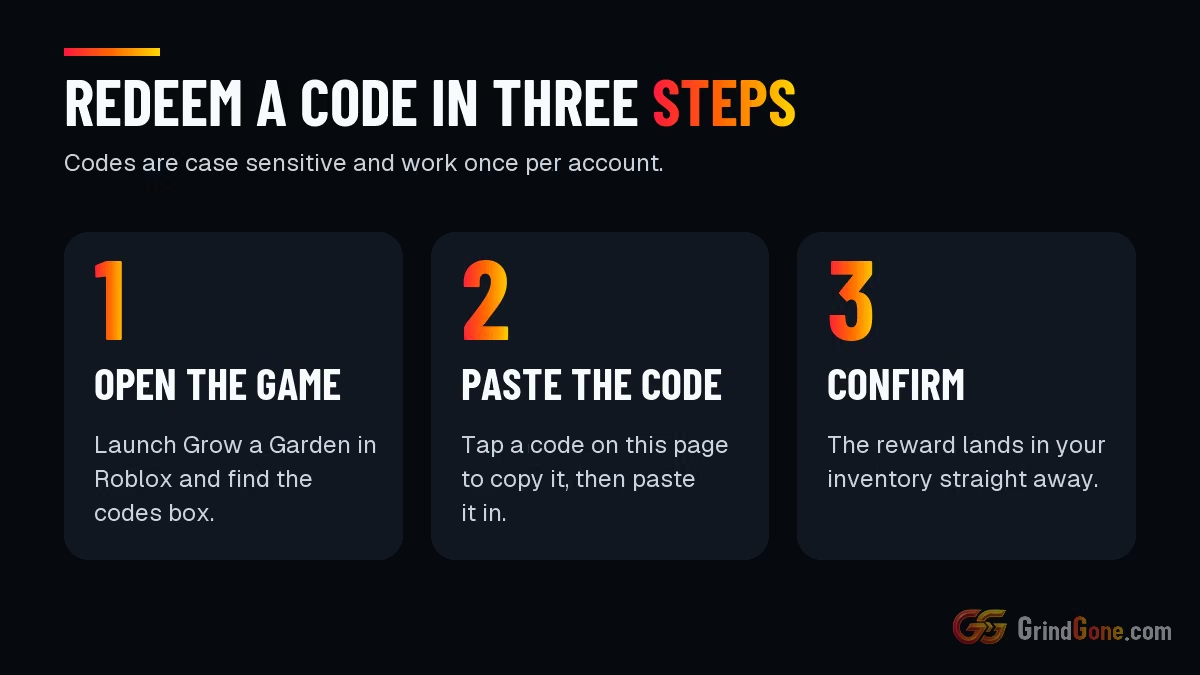
Open Grow a Garden in Roblox and look for the codes box. It is usually in the settings or shop menu.
Tap a code in the list above to copy it. Paste it into the box and confirm.
The reward lands in your inventory straight away. If nothing happens, the code has expired or you have already used it.
Codes are case sensitive, so copy them from the list and do not retype them.
Where new codes come from
Developers usually post new codes on the game's Roblox page, its Discord server and its social accounts.
New codes tend to arrive with updates and player milestones, and they can expire without warning.
Each code works once per account.
Tips that save time
- Redeem a new code the day you see it. Waiting is the usual reason a code fails.
- Used codes stay ticked on this page, so you can see at a glance which ones are new to you.
- Mark a dead code with the thumbs down. It saves you trying it again next week.
- After redeeming, open the AFK grind time calculator to see how far the reward gets you.